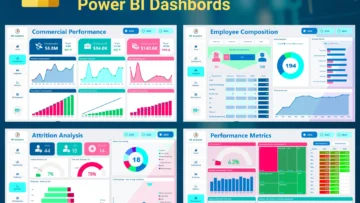
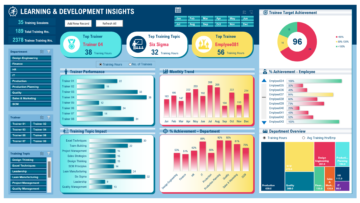
EXCEL & POWER BI. REAL PROJECTS.

Excel & Power BI
Learn by doing

Build practical Excel and Power BI skills with step-by-step tutorials, real dashboard projects, and resources you can explore at your own pace.

From raw data to a clear story.
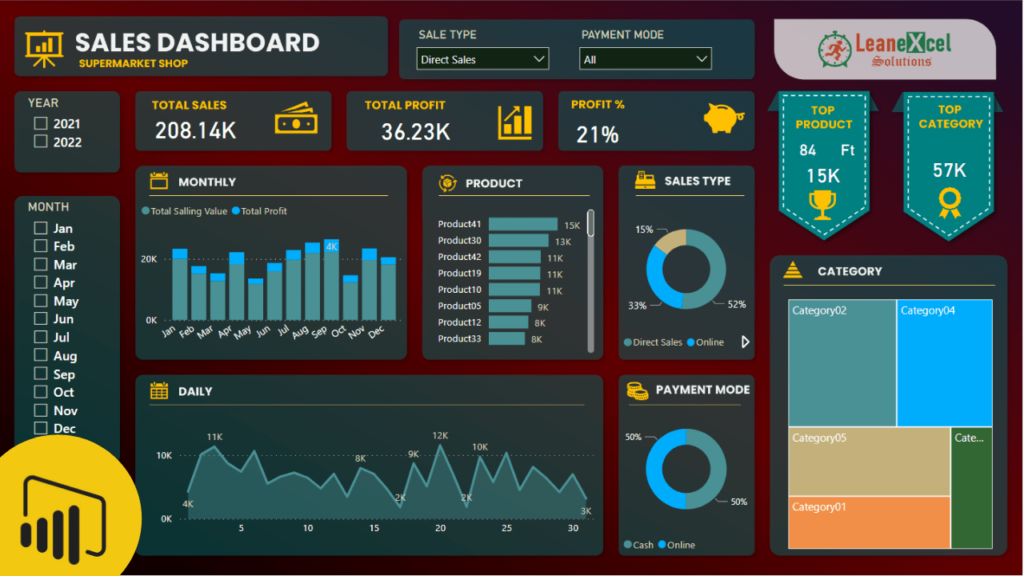
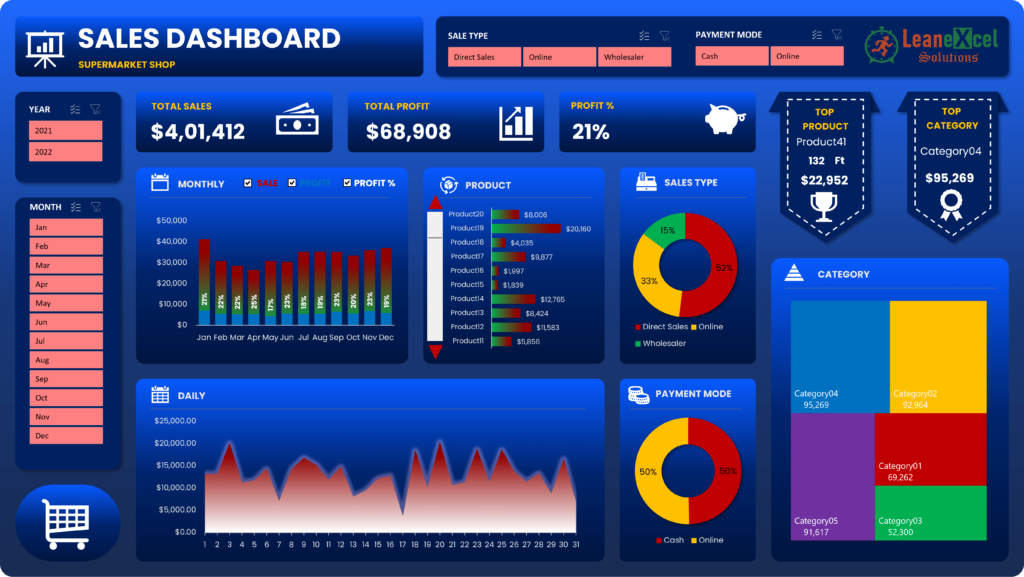
Explore a real sales dashboard project.

Choose what you want to build

Start with a practical question. Follow a tutorial, try the technique, and use it in your own work.

Make more of Excel

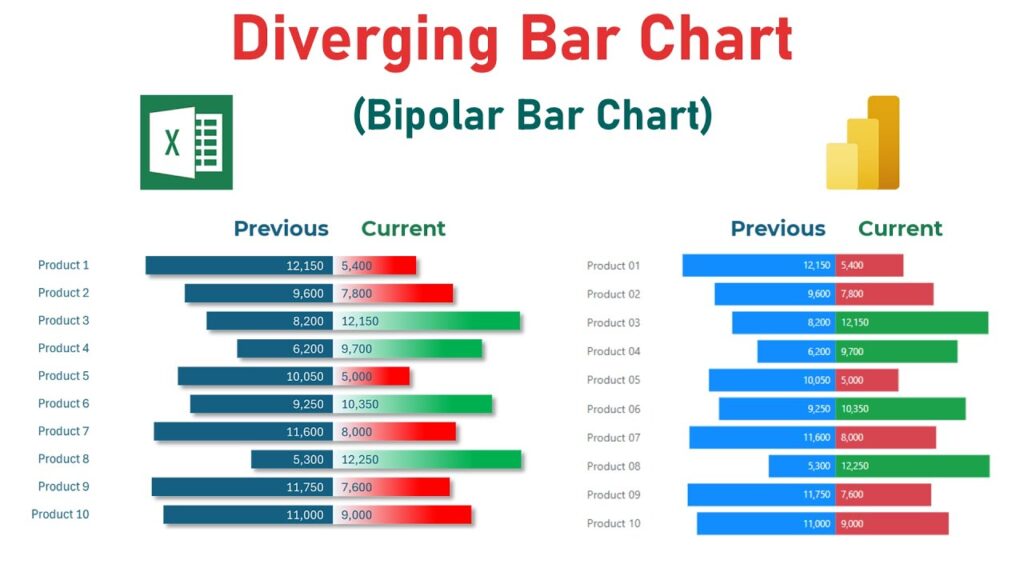
Turn spreadsheet data into useful charts and interactive reports. Explore visualization techniques through real examples.

Tell the story with Power BI

Explore dashboard projects, reporting ideas, and practical demonstrations that connect data to business questions.

Ready to automate?

Explore VBA, workbook techniques, and Power Query demonstrations in our video library.

A useful skill starts with one project

Choose a tutorial and work through a specific reporting challenge. These are practical starting points from the Lean Excel Solutions library.

Why learn with Lean Excel Solutions?

Build beautiful dashboards that turn raw data into clear stories. Follow real projects in Excel and Power BI, compare their approaches, and practise with the accompanying files.

Go further with Power Query, data modelling, DAX, VBA and userforms.

Put the learning to work

Explore downloadable resources alongside the tutorials. The library includes free files and paid templates—check each resource for its contents and requirements.

Featured products

Keep building your skills

Watch practical demonstrations, explore another project, and follow Lean Excel Solutions on YouTube for more Excel and Power BI learning.

Practical reporting. Clear explanations. Real projects.

Shopping cart

0
image/svg+xml

No products in the cart.

Continue Shopping